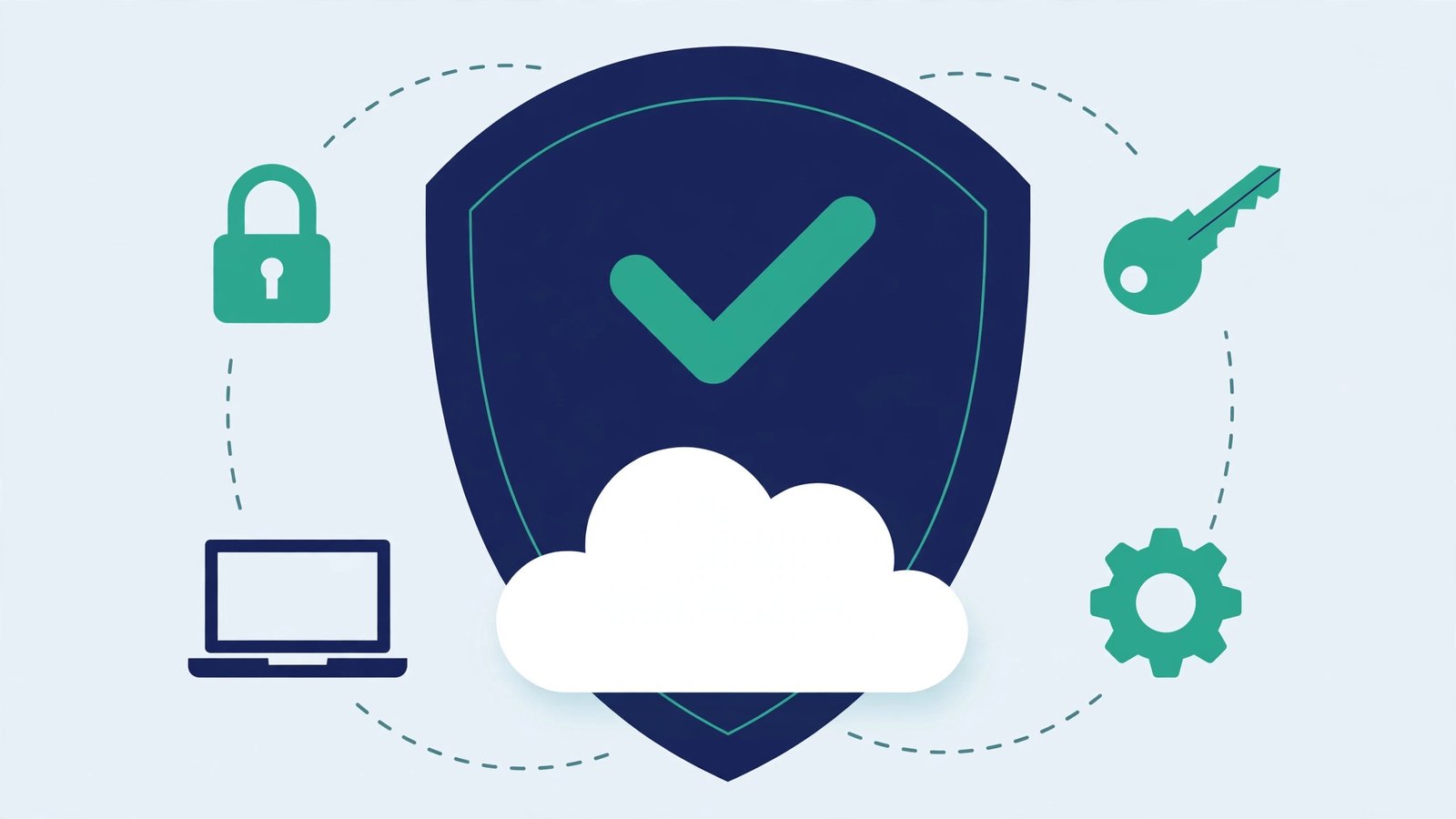
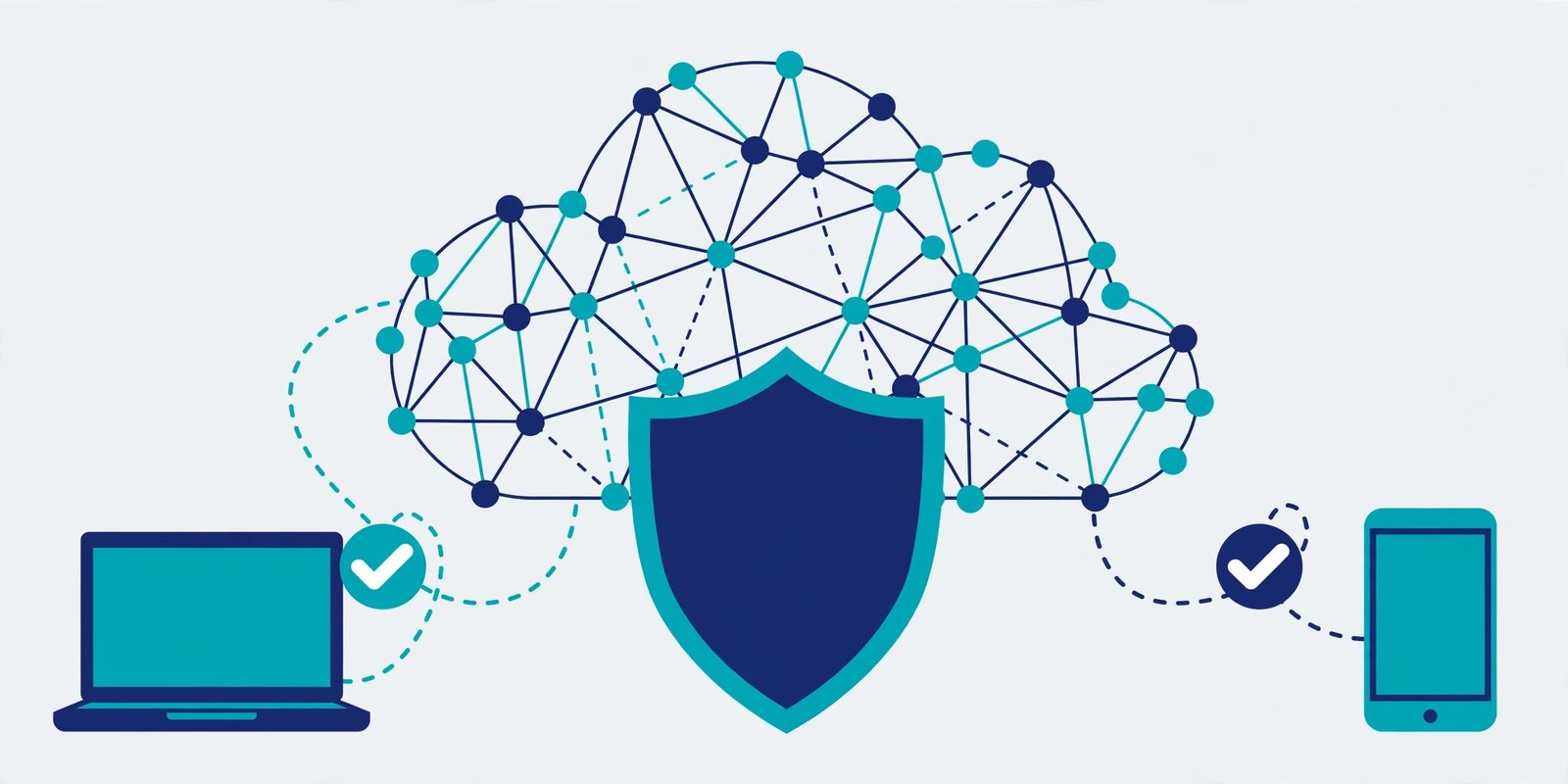

Zero trust security in cloud computing is a simple idea with a blunt name: never trust any user, device, or app by default — verify every single access request, every time, before granting it. Instead of assuming everything inside your network is safe, zero trust treats every login, every device, and every connection as unproven until it passes its checks. That one shift is what makes it the standard approach for securing cloud systems today.
If that sounds strict, it is supposed to be. But it is also practical, and it is not only for large enterprises. A small team can adopt the core of zero trust with tools it probably already has. This guide explains it in plain language, shows what it looks like in a real small company, and gives you a starting plan that costs little and breaks nothing.
What Is Zero Trust Security in Cloud Computing, in Simple Terms?
Imagine two ways of guarding a building. The old way puts a strong lock on the front door and then trusts everyone once they are inside — they can wander into any room, open any cabinet, and nobody asks questions again. That is how traditional network security worked: a firewall guarded the perimeter, and anything inside the network was trusted.
Zero trust throws out that model. It puts a small checkpoint in front of every room instead of one big lock on the front door. Every person must prove who they are, every device must prove it is healthy and managed, and every request is checked against what that person is actually allowed to do — even if they logged in successfully five minutes ago from the same laptop.
In cloud computing, this matters more than it did in the old office-network world, because there is no single front door anymore. Your team works from home, from cafes, and from phones. Your apps live in AWS, Azure, or Google Cloud. Your data sits in services you do not physically control. The “inside the network” concept barely exists — so trusting it is no longer an option. Zero trust replaces location-based trust with identity-based verification: it does not matter where you connect from; what matters is who you are, what device you are on, and whether the request makes sense.
How Is Zero Trust Different From the Old Castle-and-Moat Model?
The old model is often called “castle and moat” security: a strong perimeter (the firewall, the VPN) keeps attackers out, and everything inside is trusted. It worked reasonably well when everyone sat in one office and all the servers were in a room down the hall.
It breaks down in three common ways:
- One breach becomes a total breach. If an attacker steals one employee’s password and gets past the VPN, they are “inside” — and inside, they are trusted. They can move sideways to databases, admin panels, and other systems with little resistance.
- Remote work erases the perimeter. When half your team never sets foot in the office, the idea of a trusted inside and an untrusted outside stops matching reality.
- Cloud services have no single perimeter. A SaaS app, a cloud database, and a storage bucket each have their own access controls. There is no one wall to defend.
Zero trust fixes this by assuming a breach has already happened — or will — and designing so that one compromised account cannot unlock everything. Each system verifies independently, so an attacker who gets into one corner still faces locked doors everywhere else.
What Are the Three Principles of Zero Trust?
Every zero trust framework, including the ones published by NIST and the major cloud providers, boils down to three principles:
1. Verify explicitly. Always authenticate and authorize based on all available data points: who the user is, where they are signing in from, whether their device is up to date and encrypted, and whether the request looks normal for that person. Multi-factor authentication (MFA) is the best-known example, but device health checks and risk-based sign-in policies are part of the same principle.
2. Use least-privilege access. Give every user and every service only the permissions it needs to do its job — nothing more. A marketing contractor does not need access to the production database. A reporting script does not need permission to delete storage buckets. Least privilege limits the damage when any single account is compromised.
3. Assume breach. Design as if attackers are already inside. That means segmenting your systems so a breach in one area cannot spread, encrypting data, logging access, and monitoring for unusual behavior. The goal is not paranoia — it is containment. A breach that stays small is a bad day; a breach that spreads everywhere is a company-ending event.
These three principles are the whole philosophy. Everything else — the tools, the frameworks, the vendor diagrams — is just implementation detail.
What Does Zero Trust Look Like in a Real Small Company?
Consider a fictional but typical 12-person software company. The team is remote, the product runs on AWS, the code lives in GitHub, and customer data sits in a managed database. Before zero trust, anyone with the VPN password and a laptop could reach the internal dashboard, the database console, and the cloud admin panel.
Here is what their zero trust version looks like in practice:
- Every login requires MFA. No exceptions, including for the founders. Passwords alone open nothing.
- Access is role-based. Developers can deploy to staging but not to production. Only two engineers can touch the production database, and only through a bastion host that logs every session.
- Devices must be managed. Company laptops have disk encryption and automatic updates turned on. An unmanaged personal laptop can read email and docs, but it cannot reach production systems.
- Each app checks independently. Getting into Slack does not get you into AWS. Getting into AWS with a developer role does not get you into the billing console.
- Old access dies fast. When a contractor finishes a project, their accounts are disabled the same day — not “when someone gets around to it.”
Nothing in that list required an enterprise security team or an expensive platform. It required decisions, a password manager, MFA enforcement, and a few hours of configuration in tools the company already paid for.
The mini-test worth running on your own setup: pick one employee account, and try to answer honestly — if that password leaked today, what could an attacker reach with it alone? If the answer is “basically everything,” you do not have a zero trust problem in theory; you have one in practice, and the fixes below are the starting point.
How Do You Start With Zero Trust Without an Enterprise Budget?
Zero trust is a journey, not a product you buy, and small teams should start with the controls that cost the least and protect the most. Here is a realistic four-week plan:
Week 1: Enforce MFA everywhere. Turn on MFA for your cloud provider, your email, your code hosting, and your password manager. This single step blocks the most common attack — stolen passwords — and it is free.
Week 2: Audit who can do what. List every user in your cloud account and every admin in your SaaS apps. Remove accounts for people who left, contractors whose projects ended, and test accounts nobody remembers creating. Then trim the remaining permissions to what each role actually needs.
Week 3: Split your network and your data. Put production systems in a separate cloud account or virtual network from development and testing. Make sure production databases are not publicly reachable, and that storage buckets are private by default. Segmentation is what turns a breach into a contained incident.
Week 4: Turn on logging and one alert. Enable cloud audit logs (such as AWS CloudTrail or its Azure/GCP equivalents) and set up a single alert for the events that matter most: root account sign-ins, new admin users, and security-group changes that open things to the internet. You do not need a security operations center — you need to know when something unusual happens, the same day it happens.
After that foundation, the next steps — device management, conditional access policies, and automated access reviews — can follow one at a time, as budget and time allow. The point is to start with identity and access, because that is where most real breaches begin.
What Are the Common Mistakes Teams Make With Zero Trust?
Buying a “zero trust product” before fixing the basics. No single tool delivers zero trust. A team that buys an expensive platform while admins still log in without MFA has spent money without reducing risk.
Locking everyone out on day one. Least privilege done badly means developers cannot deploy and support cannot help customers. Roll changes out gradually, watch for breakage, and keep a documented break-glass admin account for emergencies — secured with MFA and hardware keys, and used only when normal access fails.
Forgetting service accounts and API keys. Human users get all the attention, but the forgotten API key in an old script, or the service account with admin rights, is just as dangerous. Rotate keys, scope them narrowly, and delete the ones nobody can explain.
Treating zero trust as a one-time project. People join, leave, and change roles. Access that was correct six months ago may be wrong today. A quarterly access review — even a simple spreadsheet review of who has admin rights — keeps the system honest.
FAQ
Is zero trust only for large companies?
No. The principles scale down well: MFA, least-privilege access, and private-by-default resources cost little and protect any size of team. Large companies add automation and dedicated tooling, but a small team that enforces MFA and trims permissions is already practicing zero trust where it matters most.
Does zero trust mean nobody is ever trusted?
Not quite. It means trust is never assumed from network location or a single past login. Trust is granted per request, based on identity, device health, and permissions — and it can be revoked the moment something looks wrong. Think of it as earned, checked trust rather than blanket trust.
What is the difference between zero trust and a VPN?
A VPN secures the connection between a device and a network, but once connected, the user is typically trusted inside that network. Zero trust goes further: it verifies the user and device at every application and resource, regardless of whether a VPN is involved. Many teams keep a VPN and still add zero trust checks on top of it.
How long does it take to implement zero trust?
The high-impact basics — MFA everywhere, an access audit, and separating production from development — take a few weeks for a small team. Full maturity, with automated device checks and conditional access everywhere, is an ongoing program rather than a finish line. Start with the basics; they deliver most of the protection.