

Direct answer
If your small startup stores health data or serves European customers in the cloud, you need three things before anything else: a signed agreement with every cloud vendor that touches the data, encryption turned on for data at rest and in transit, and access controls so only the people who need the data can reach it. Everything else in cloud compliance builds on those three foundations.
Why compliance feels overwhelming — and why it shouldn’t
Picture a six-person telehealth startup: a booking app on a cloud platform, consultation notes in cloud storage, reminders by email. One morning, a hospital partner asks for HIPAA documentation, and a German customer asks about GDPR. The founders freeze — not from carelessness, but because nobody ever gave them a cloud compliance checklist sized for a team of six.
That is exactly who this guide is for. HIPAA and GDPR were written with hospitals and multinationals in mind, but the rules still apply to small startups. The trick is knowing what matters first, what genuinely requires a lawyer, and what is simply good cloud hygiene in legal language. Note: this is practical guidance, not legal advice.
What is on a HIPAA cloud checklist for a small startup?
HIPAA applies when you handle protected health information (PHI) — medical records, appointment details, billing information tied to a patient, even a name combined with a diagnosis. If that sounds like your startup, work through this checklist in order:
- 1. Sign a Business Associate Agreement (BAA) with every vendor. Your cloud provider, email service, and analytics tool — anyone who stores or processes PHI on your behalf must sign a BAA. The major clouds (AWS, Azure, Google Cloud) all offer BAAs, but you have to request one; it is not automatic. No BAA, no PHI on that service. Full stop.
- 2. Turn on encryption everywhere. Encrypt data at rest (stored files and databases) and in transit (anything moving over a network). All three major clouds offer this with a few clicks, and there is rarely a good reason to leave it off.
- 3. Lock down access with least privilege. Give each team member access only to the data their job requires. Turn on multi-factor authentication for every cloud account — no exceptions, including the founder’s. Review access every quarter, and revoke it the day someone leaves.
- 4. Turn on audit logging and actually look at it. HIPAA requires you to track who accessed PHI and when. Enable your cloud provider’s audit logs, keep them for at least six years, and set up an alert for unusual access, like bulk downloads at 3 a.m.
- 5. Back up, and test the restore. A backup you have never restored is a hope, not a plan. Run a restore test every quarter and write down that you did it.
- 6. Write a short incident response plan. One page is enough at your size: who gets called, who decides what to tell customers, and how you contain the breach. HIPAA’s breach notification rule has a 60-day clock, so knowing the first three steps in advance matters more than a 40-page document nobody reads.
What does GDPR add if you serve European customers?
GDPR applies the moment you offer services to people in the European Union — regardless of where your startup is based. If you have even a handful of EU users, add these items:
- 1. Know your lawful basis. For each type of personal data you collect, write down why you are allowed to process it: consent, contract necessity, or legitimate interest. “Because we might need it someday” is not a lawful basis.
- 2. Respect data subject rights. EU users can ask what data you hold on them, ask for it to be corrected or deleted, and ask for a copy. Have a process for answering within one month — a shared inbox and a named owner is enough.
- 3. Mind data residency. GDPR does not demand EU-only storage in every case, but transferring personal data outside the EU needs a legal mechanism, such as standard contractual clauses. Choosing an EU cloud region for EU customer data removes a whole class of questions.
- 4. Sign Data Processing Agreements (DPAs). GDPR’s equivalent of the BAA. Your cloud vendors should provide these on request, just like BAAs.
- 5. Report breaches within 72 hours. GDPR’s clock is much shorter than HIPAA’s. Your incident response plan needs a step that says: assess and notify the supervisory authority within 72 hours if personal data is at risk.
The three-question vendor test
Here is the original angle worth stealing: before adopting any new cloud tool, ask three questions. If any answer is “no” or “we don’t know,” pause.
- Will they sign our BAA or DPA? If they won’t, your regulated data cannot go there.
- Where does the data physically live, and can we choose the region? Vague answers here are a red flag.
- Can we export everything and leave? Data portability is a GDPR right and a business safety net. Vendor lock-in on regulated data is a risk, not a convenience.
Run this test on your current stack too. Most startups find one tool — often a chat widget or a form builder — quietly holding regulated data with no agreement in place. Fixing that gap is often the highest-value cloud compliance work you can do in an afternoon.
What should you do first? A realistic 30-day plan
Week one: map your data. List every type of sensitive data you hold, where it lives, and which vendors touch it. Request BAAs and DPAs from any vendor missing one.
Week two: turn on encryption, multi-factor authentication, and audit logging across every cloud account. Remove access for anyone who no longer needs it.
Week three: write the one-page incident response plan and run a restore test from your backups.
Week four: document everything in one folder — your data map, signed agreements, access reviews, and test results. That folder is your compliance evidence. When a partner or customer asks for documentation, you send that folder, not a scramble.
When do you actually need a lawyer?
You can handle the technical checklist above yourself. Call a lawyer before you: sign a BAA or DPA with unusual terms, respond to a regulator’s inquiry, notify customers of a breach, or build a product that processes health data in a way you have not done before. A one-hour consultation then is far cheaper than a mistake discovered later.
The bottom line
Cloud compliance for a small startup is not about becoming an enterprise security department. It is about doing the fundamentals provably well: signed agreements, encryption, least-privilege access, logging, backups, and a plan for bad days. Do those six things, document them, and you will be ahead of most companies ten times your size.
Frequently asked questions
Does HIPAA apply to my startup if we only store data in the cloud?
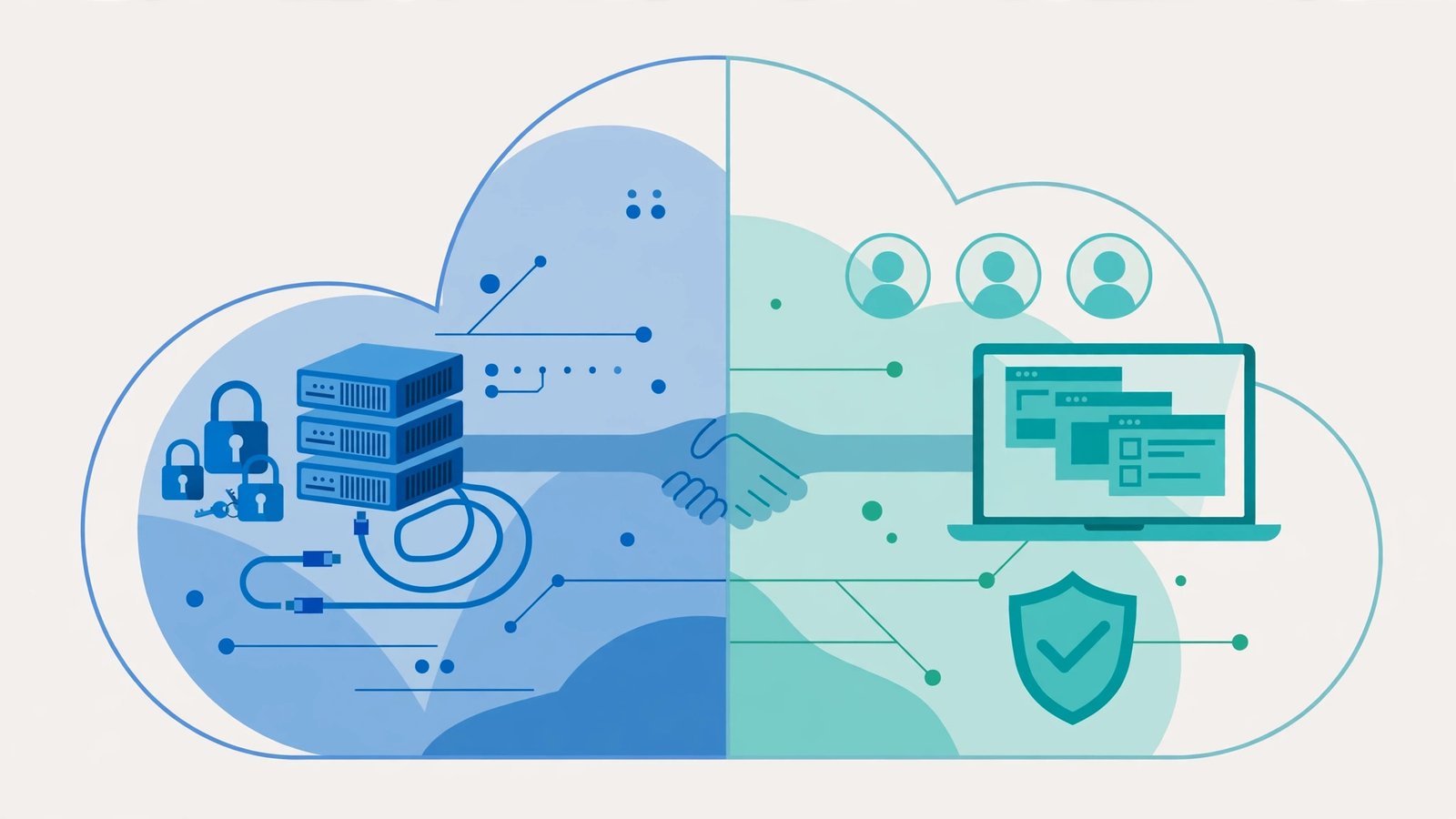
Yes, if the data is protected health information. Using a cloud provider does not transfer your responsibility — you remain liable for how PHI is handled, which is exactly why the Business Associate Agreement exists. The cloud provider protects the infrastructure; you protect the data and access to it.
Can a small startup be GDPR-compliant without hiring a compliance officer?
Yes. GDPR requires a Data Protection Officer only for certain large-scale processing. A small startup can assign data protection duties to an existing team member, document its processes, and bring in outside help for specific questions. What matters is a named owner and written processes, not a dedicated hire.
What is the difference between a BAA and a DPA?
A BAA (Business Associate Agreement) is required under HIPAA and covers protected health information handled by a vendor. A DPA (Data Processing Agreement) is required under GDPR and covers personal data of EU residents processed by a vendor. If you handle both kinds of data, you typically need both agreements with the same vendor.
What happens if we ignore cloud compliance until we are bigger?
You risk losing deals, not just fines. Enterprise customers and hospital partners routinely ask for compliance documentation before signing, and a missing BAA or absent encryption is a common reason small vendors lose contracts. Regulators can also investigate regardless of company size — but the lost deal usually hurts first.