
Small teams don’t get breached because they lack enterprise security budgets — they get breached because the basics go undone. This cloud security best practices checklist for small teams cuts through the noise and lists only what matters, in the order it matters: start at the top and work down, and you’ll have covered more real risk in two weeks than most startups manage in a year.
Why do small teams need their own cloud security checklist?
Most security checklists online are written for enterprises with compliance teams and six-figure tooling budgets. A five-person startup doesn’t need a 200-line control framework — it needs the 15 things that actually prevent breaches, ranked by impact per hour of work. This checklist is built for teams with no security hire, where the same person shipping the product is also the one locking it down.
The numbers justify the effort: the vast majority of cloud breaches trace back to misconfigurations, leaked credentials, and missing basics like multi-factor authentication — not sophisticated zero-day attacks. Fixing the basics is the highest-leverage security work a small team can do.
What’s in the cloud security best practices checklist for small teams?
The checklist below is split into three weeks. Each week is one focused sprint — no new hires, no expensive tools, just the controls that actually stop breaches.
Week 1: Close the doors attackers actually walk through
1. Enforce MFA on every cloud console and every admin account. Multi-factor authentication is the single highest-ROI control in cloud security. If your AWS root user, Google Cloud owners, or Azure admins can sign in with just a password, everything else on this list is decoration. Turn on MFA for every human with admin access — no exceptions, no “we’ll do it later.”
2. Lock down the root and billing accounts. Nobody should be using the AWS root user or the Azure Global Admin for daily work. Create individual IAM users or federated identities for each person, give the root account a strong password plus MFA, and lock the credentials in a shared password manager. Then don’t touch it again.
3. Audit who has admin access right now. Open your IAM console and list every user with administrative privileges. You’ll probably find surprises: a contractor who finished six months ago, a test account someone forgot, an access key for a tool you stopped using. Revoke anything you can’t explain. This ten-minute cleanup is the highest-impact hour a small team can spend.
4. Rotate or delete exposed access keys. Search your code repositories for access keys — they’re in more places than teams think. A quick scan of your GitHub repos, old Slack messages, and shared docs for AKIA (the AWS key prefix) often turns up a live key that should never have left the console. Delete every key you find, and from now on, keep keys out of code entirely (use IAM roles or workload identity instead).
5. Block public access to storage buckets. Open buckets are the single most common cause of cloud data leaks. Turn on the account-level “block all public access” setting for S3 (or the equivalent in Azure Blob Storage and Google Cloud Storage), then deliberately whitelist only the specific buckets that must be public. This is a one-click setting with an outsized payoff.
Week 2: Build the habits that keep you safe
6. Turn on cloud logging and keep it on. Enable CloudTrail (AWS), Activity Log / Azure Monitor, or Cloud Audit Logs (GCP) across every region and project. Logs are the difference between “we got breached and have no idea what happened” and “we can see exactly what the attacker touched.” Log storage is cheap; blindness is expensive.
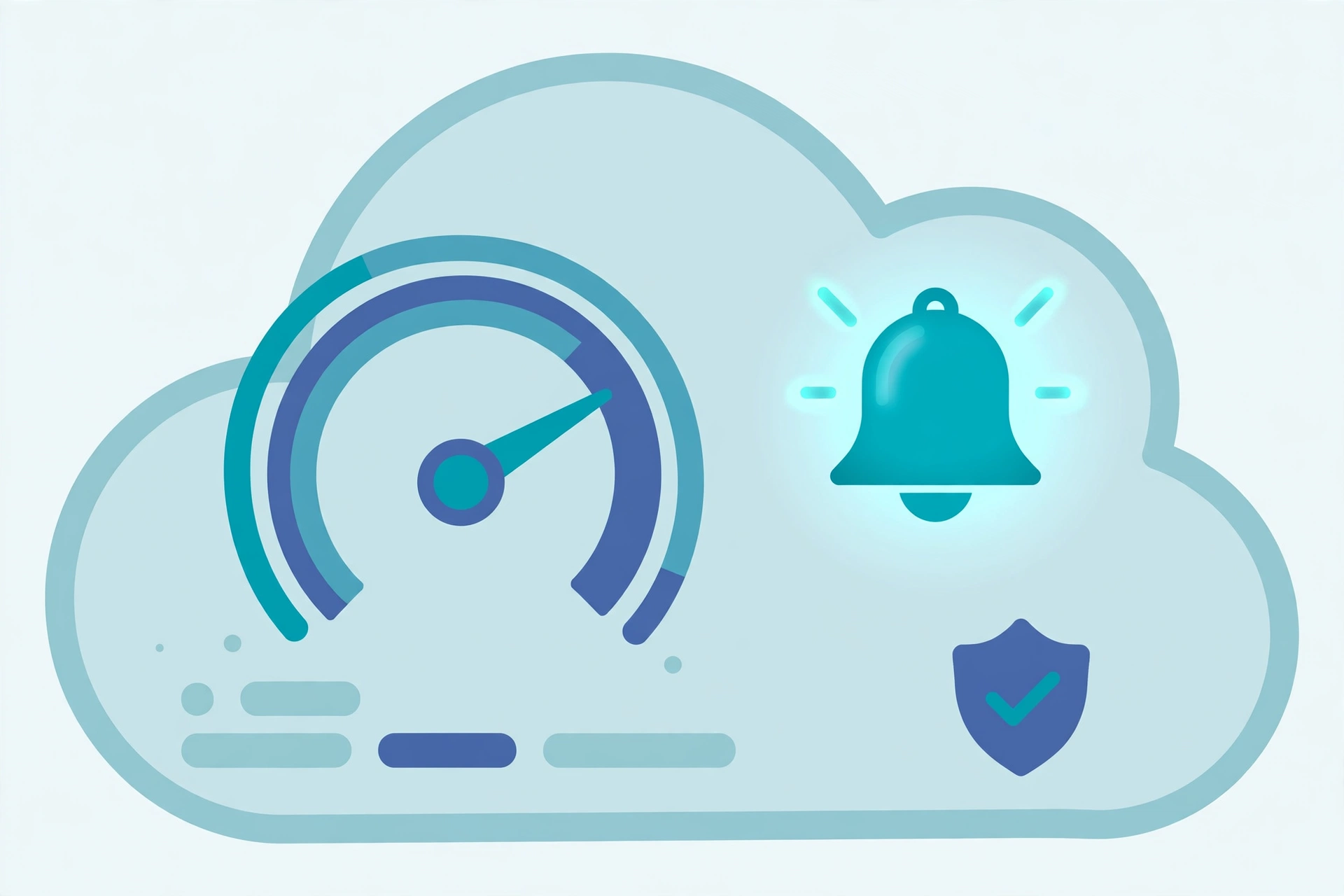
7. Set billing alerts at multiple thresholds. A surprise $40,000 bill is how many teams discover they’ve been compromised — an attacker spins up GPU instances in a region you never use, and the invoice is your first warning. Set billing alerts at $50, $200, and $500 (or scaled to your normal spend) so an anomaly pings your team long before the invoice does.
8. Patch on a schedule, not on panic. Agree on one patching rhythm — weekly for internet-facing services, monthly for the rest — and actually stick to it. Small teams fall behind because patching is nobody’s job, so make it somebody’s job, even if it’s a recurring 30-minute calendar slot. Unpatched vulnerabilities are the second-cheapest way attackers get in, right after leaked credentials.
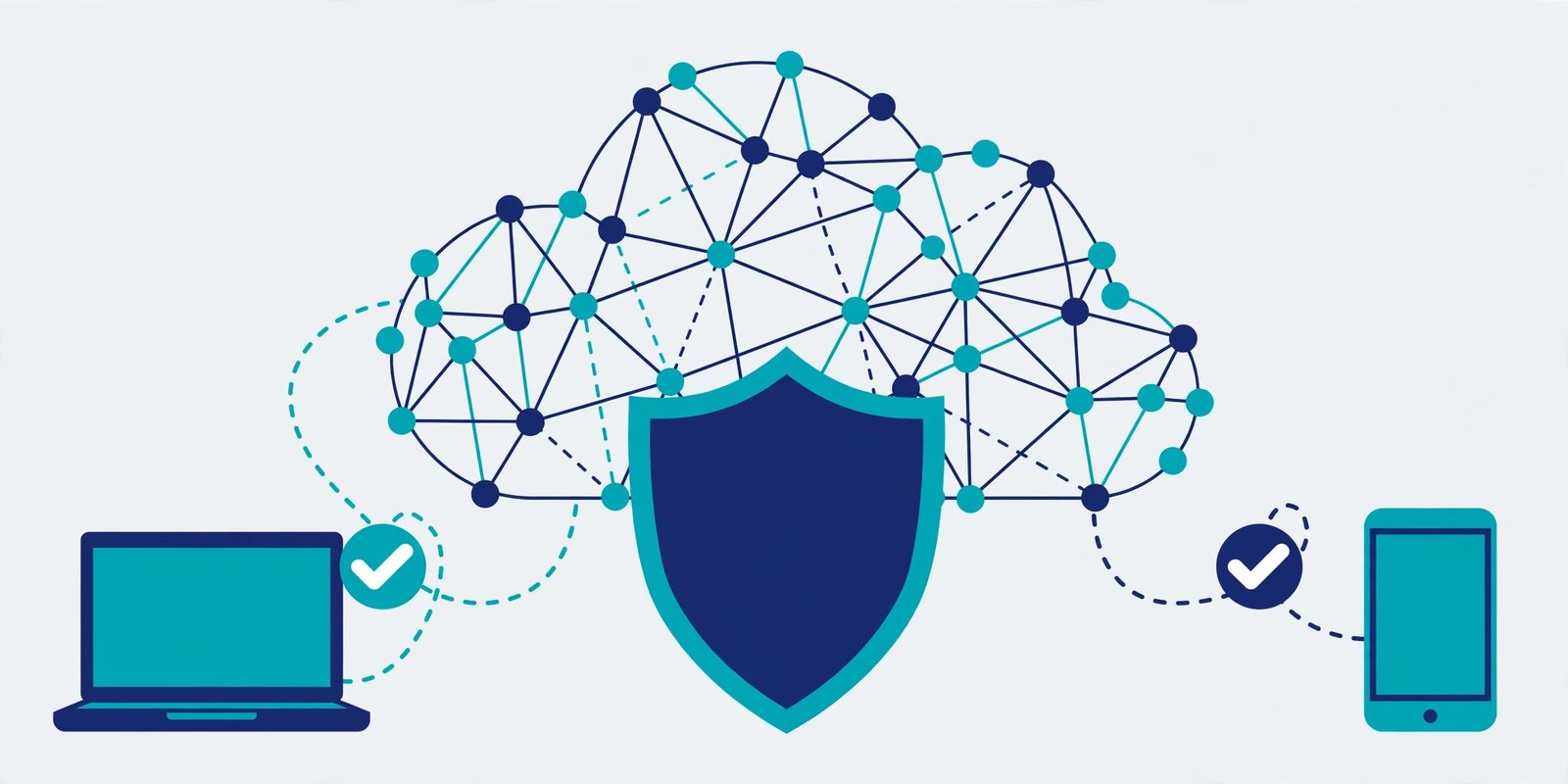
9. Encrypt everything that matters, and manage the keys. Turn on encryption at rest for your databases, storage, and backups — this is a checkbox on every cloud platform and usually costs nothing extra. Use TLS everywhere traffic moves. And keep your encryption keys separate from the data they protect (the cloud KMS default is fine for most small teams).
10. Back up what you can’t afford to lose — and test the restore. Ransomware and accidental deletion both lead to the same question: can you get the data back? Automated backups with versioning, stored in a different region, are the answer. But here’s the part everyone skips: actually restore from a backup once, on a schedule, to prove it works. An untested backup is a rumor, not a safety net.
Week 3: Sharpen the setup
11. Apply the principle of least privilege to your roles. Most small teams hand out broad “PowerUser” or “Editor” roles because granular permissions feel slow. Start tighter instead: give each service account and each person only the permissions their job actually needs, and broaden them only when something breaks. Over-permissioned identities turn one compromised account into a total compromise.
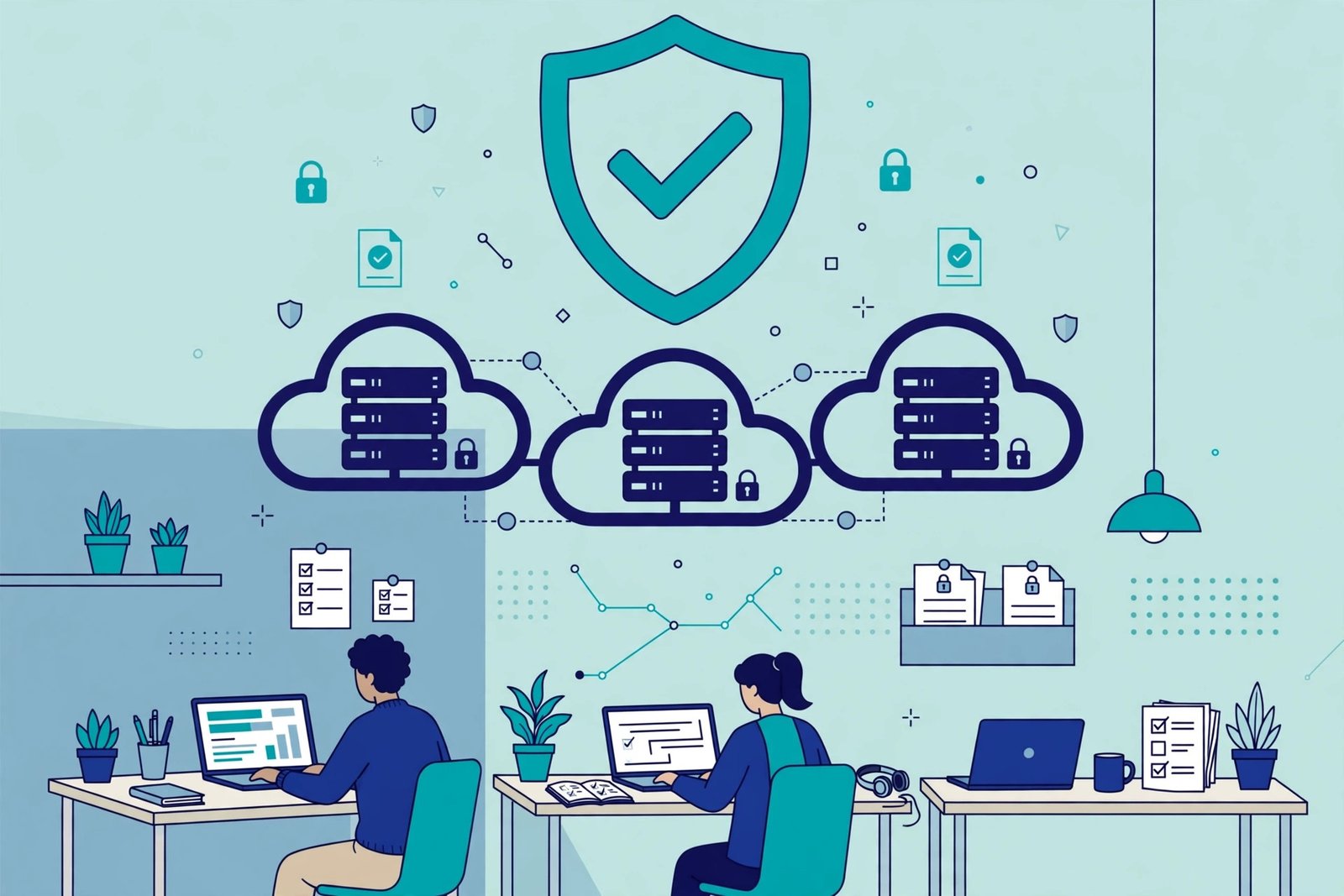
12. Segment your network. Keep production, staging, and development in separate VPCs or VNets — or at minimum, separate subnets with security groups that don’t trust each other. This way, a breach in a dev playground doesn’t walk straight into your customer database. Network segmentation is the cheapest way to make an incident small instead of total.
13. Automate your security scanning. You don’t need a security team to run automated checks — you need fifteen minutes. Turn on AWS Security Hub or Inspector, Microsoft Defender for Cloud, or Google Security Command Center, and fix what they flag. These free or near-free tools catch the misconfigurations (open ports, unencrypted disks, public buckets) that manual reviews miss.
14. Write down your incident response plan — one page. When something goes wrong at 2 AM, nobody will think clearly. A one-page plan beats a perfect plan that doesn’t exist: who calls whom, how to revoke access fast, where the backups are, and which cloud support number to call. Keep it in the shared password manager or the company wiki, and read it once a quarter.
15. Review everything quarterly. Security decays. People join and leave, permissions creep, buckets get opened “temporarily.” Put a 60-minute “security review” on the calendar every quarter and walk back through items 1–15. That single recurring meeting prevents the slow drift that causes most small-team incidents.
What should a small team fix first if there’s only time for three things?
Enforce MFA everywhere, lock down storage buckets from public access, and turn on cloud logging. Those three controls close the doors attackers actually use — credential theft, exposed data, and blind incident response. Everything else on this cloud security best practices checklist for small teams builds on that foundation, and you can add the rest over the following weeks without the house being on fire.
How much does small-team cloud security cost?
Most of this checklist is free. MFA, IAM users, logging, encryption, and the account-level public-access blocks cost nothing on AWS, Azure, or Google Cloud. Billing alerts are free. The real cost is a few hours of someone’s time per month — and the automated scanners that catch the rest (Security Hub, Defender for Cloud) typically run under $50/month for a small footprint. Good cloud security is overwhelmingly a time investment, not a budget line.
FAQ
What’s the biggest cloud security mistake small teams make?
Treating security as something to add later. The most damaging breaches in small teams come from basics that were never done — no MFA, an old admin account, a bucket left public “temporarily.” Doing the basics early is ten times cheaper than recovering from the incident.
Do small teams need a dedicated security hire?
Not at the start. A team of five to twenty people can handle this checklist with an hour or two a month of disciplined effort, mostly automated once set up. The time to hire or contract security help is when you handle regulated data, face customer security questionnaires you can’t answer, or grow past the point where one person’s calendar slot covers it.
Is this checklist enough for SOC 2 or HIPAA compliance?
No — and it isn’t trying to be. This is a breach-prevention checklist, not a compliance framework. But it covers a large share of the technical controls auditors look for, so completing it before you start a compliance project will make that process dramatically smoother and cheaper.
How often should we redo this checklist?
Full review quarterly, quick sanity check monthly. Permissions creep and configurations drift faster than teams expect — the quarterly review is the control that keeps all the other controls working.