
Direct answer
To prepare for a cloud security audit step by step, give yourself four weeks: week one, map every cloud account, data store, and user account; week two, close the highest-risk gaps — public storage, shared admin logins, missing multi-factor authentication; week three, collect evidence for each control in one organized folder; week four, run a mock audit and fix what you find.
Why a cloud security audit feels scarier than it is
A cloud security audit sounds like something only big companies face, until it lands on a small team. Usually the trigger is mundane: an enterprise customer asks for your security posture before signing, or a partner sends a questionnaire. Suddenly someone looks closely at your cloud accounts, and the question is whether what they find matches what you believe.
Here is the reassuring truth: auditors are not trying to catch you out. They check, control by control, whether your cloud environment does what you claim it does. The teams that struggle are rarely the ones with the worst security — they are the ones who cannot prove the security they have. Preparation is mostly a documentation exercise built on top of real fixes.
What does a cloud security audit actually check?
Most cloud security audits — formal framework audits and customer vendor reviews alike — examine the same core areas. Identity and access: who can log in, what each person can do, and whether multi-factor authentication is enforced. Data protection: is sensitive data encrypted at rest and in transit, and are backups running and tested? Logging and monitoring: can you show who did what, and when, and does anyone act on alerts? Network controls: are databases reachable from the public internet, or only from inside your cloud network? Change and incident management: do production changes go through review, and do you have a practiced incident response plan? Third-party risk: which outside services touch your data, and what agreements cover them?
Notice what is not on this list: perfection. Auditors expect findings; what matters is that the big risks are handled and the rest are acknowledged with a plan.
Week 1: Map everything you own
You cannot secure — or evidence — what you have not inventoried. Spend week one building a single map of your cloud footprint:
- List every cloud account. Include the forgotten ones: the old trial account, the side project in a personal account, the staging environment nobody decommissioned. Orphaned accounts are an auditor’s favorite finding because they are usually unmonitored.
- Inventory your data stores. For each database, bucket, and file store, note what kind of data it holds and how sensitive it is. A spreadsheet works fine.
- List every user and their access level. Export the user list from each cloud provider and flag anything odd: former employees still active, shared logins, ownerless admin accounts.
- List your vendors. Every third-party service that touches your data goes on the list with the agreement that covers it.
The output of week one is a document: your scope map. Auditors will ask for something very much like it on day one, and handing it over immediately sets a confident tone.
Week 2: Fix the findings you already know about
Every team already knows its weak spots. Week two is for closing the ones that matter most, in this order. Turn on multi-factor authentication everywhere — no exceptions, including the founder’s account and automation service accounts. Authenticator apps or hardware keys beat SMS codes, but SMS beats nothing. Close public exposure: check every storage bucket and database for public access, and remove it unless there is a documented business reason. This single check prevents the class of breach that makes headlines. Apply least privilege to admin access: replace shared admin logins with individual accounts, and remove standing admin access where an approval-based model will do. Turn on audit logging in every region and account, and retain logs for at least a year — auditors routinely ask for historical evidence. Patch anything internet-facing: an unpatched public server is an easy finding to avoid.
Week two is not the time to rebuild your architecture. Fix the high-impact items, and put bigger redesigns on a dated remediation list — auditors respect an honest plan more than a half-finished rebuild.
Week 3: Build your evidence folder
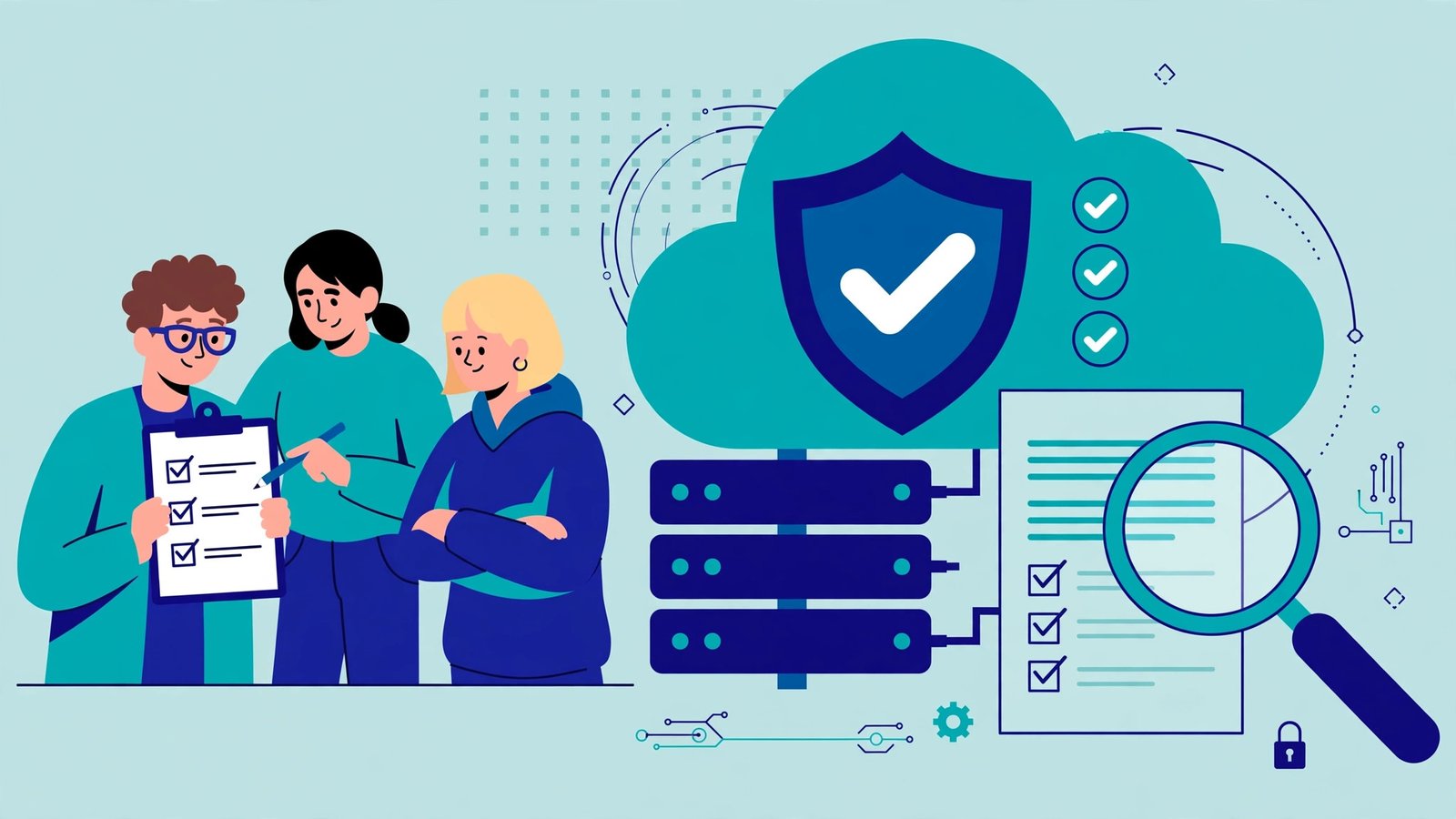
This is the step small teams skip, and it decides the audit. Evidence is proof that a control actually operates — not a policy that says it should. Organize one folder with a subfolder per control area: dated access-review exports; a screenshot of enforced MFA plus a user export showing enrollment; screenshots of encryption on databases and storage; a sample alert with evidence someone responded to it; short, real policy documents (one page each is fine if followed); and a dated note recording your last backup restore test.
The angle worth stealing: label every piece of evidence with the control it supports, the date captured, and who captured it. When the auditor asks for “evidence of access reviews,” you hand over a file named exactly that. Teams that do this finish audits in days rather than weeks, because the auditor never has to wait.
Week 4: Run a mock audit on yourselves
In the final week, pretend you are the auditor. Pick three controls at random and try to produce the evidence for each within ten minutes — if you cannot, fix the filing, not the control. Ask a colleague who did not build the setup to check whether the MFA, logging, and access rules behave as documented; fresh eyes catch the gap between policy and reality. Walk through your incident response plan as a tabletop exercise: announce a fake breach, such as a leaked API key, and talk through who does what in the first hour. Finally, review your remediation list: anything still open needs an owner and a date.
Then stop. A team that arrives organized, honest about its gaps, and able to produce evidence quickly is a team that passes.
Common mistakes that cost small teams
Writing policies nobody follows hurts more than a short policy that matches practice — auditors test practice, not prose. Scoping too narrowly backfires when the auditor finds the excluded staging account anyway. Gathering evidence at the last minute looks exactly like what it is. And hiding known gaps erodes trust; volunteering a gap with a remediation plan builds it.
The bottom line
Preparing for a cloud security audit is a four-week project, not a panic: map your footprint, fix the obvious risks, collect dated evidence for every control, and rehearse with a mock audit. Small teams pass audits all the time — not by being perfect, but by being organized, honest about their gaps, and able to prove the controls they claim.
Frequently asked questions
How long does it take to prepare for a cloud security audit?
For a small team with a modest cloud footprint, four weeks is realistic if someone owns the project part-time. Larger or messier environments may need six to eight weeks. The biggest time sink is usually evidence collection, which is why the evidence folder starts in week three, not week four.
What is the difference between a cloud security audit and a compliance audit?
A cloud security audit checks whether your environment is actually secure: access controls, encryption, logging, and network protections. A compliance audit checks whether you meet a specific framework, such as SOC 2, ISO 27001, or HIPAA. They overlap heavily, but a security audit is broader and less tied to one standard’s checklist.
Do we need to hire a consultant to pass a cloud security audit?
Not necessarily. A small team can prepare itself using this four-week plan, especially for a customer vendor review or an internal audit. A consultant becomes worthwhile for a formal certification audit (such as SOC 2 Type II) or a complex environment where an outside eye will spot risks you have normalized.
What happens if the audit finds problems?
You get a findings report with each issue rated by severity, and you agree on remediation deadlines — typically 30 to 90 days. Findings are normal and expected; what matters is that critical risks are few and fixed on schedule. A failed audit usually means critical findings were ignored, not that findings existed at all.