
If you are a beginner wondering what infrastructure as code is, and whether Terraform or CloudFormation is the better first tool, here is the short answer: infrastructure as code means defining your cloud servers, networks, and databases in text files instead of clicking through a console, and for most beginners Terraform is the better first tool because it works across AWS, Azure, and Google Cloud, while CloudFormation only works on AWS.
What Is Infrastructure as Code, Really?
Picture the old way of running cloud infrastructure. You log into the AWS console, click through twenty screens to launch a server, open a port here, attach a storage volume there, and hope you remember every setting. It works once. Then a teammate needs the same setup, or the server crashes, and nobody can reproduce exactly what you clicked.
Infrastructure as code (IaC) fixes that by turning the clicking into a file. You write down, in plain text, “I want one server, this size, in this region, with this firewall rule.” Then a tool reads that file and builds it for you — the same way, every time. Change the file, run the tool again, and your infrastructure updates to match. Delete the file’s resources, and the tool tears them down cleanly.
That shift matters for three practical reasons. First, your infrastructure becomes reviewable: a teammate can spot a mistake in a pull request before it goes live. Second, it becomes repeatable: spinning up a test environment becomes a single command. Third, it becomes recoverable: if something breaks, you rebuild from the file instead of reconstructing settings from memory.
You do not need to be a programmer to start. The files look more like configuration than code — mostly names, values, and blocks describing what you want. If you can read a settings file, you can read infrastructure as code.
Terraform vs. CloudFormation: How Do They Compare?
Both tools do the same core job: they take your written definition and make real cloud resources from it. The differences are about scope, language, and where each one shines.
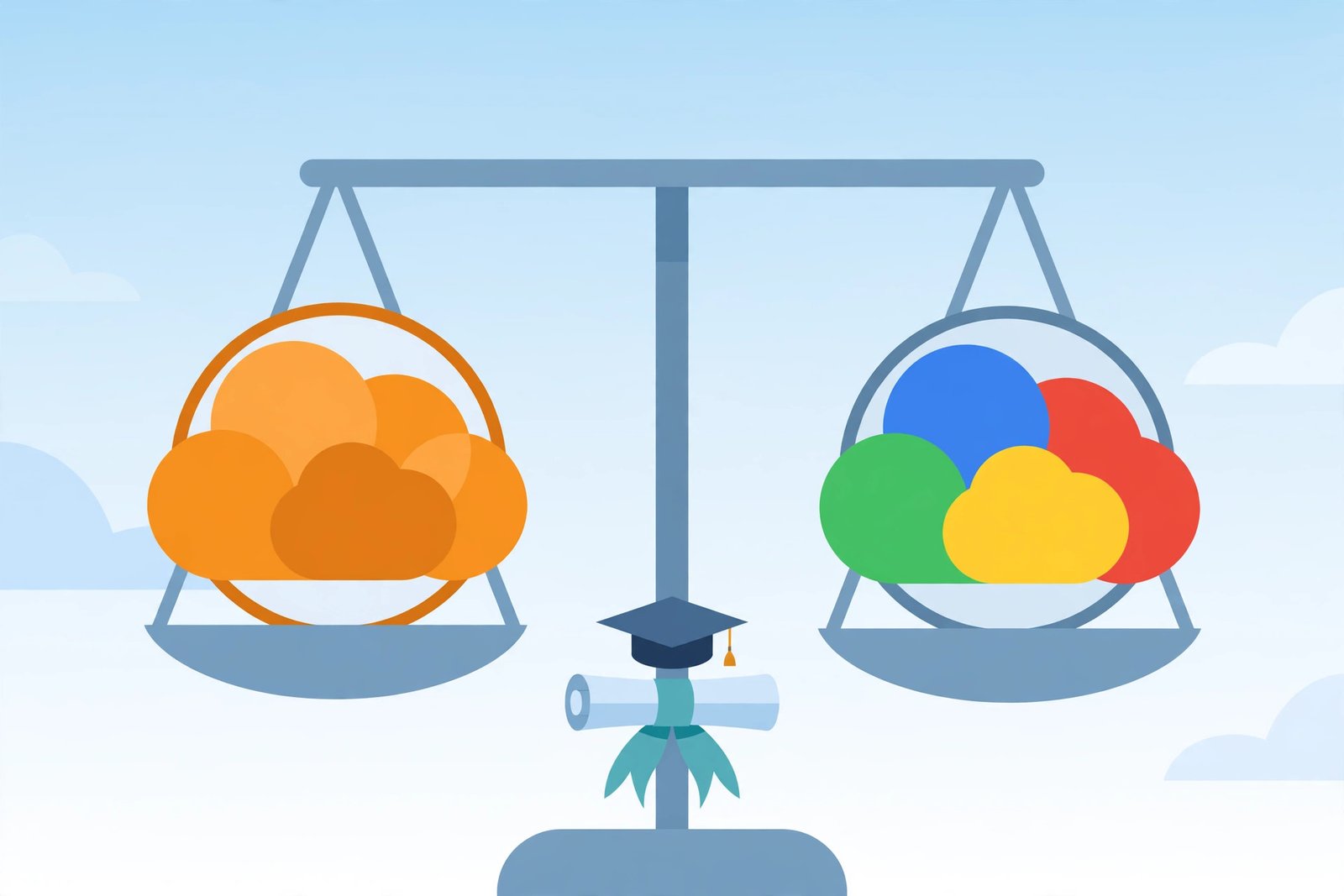
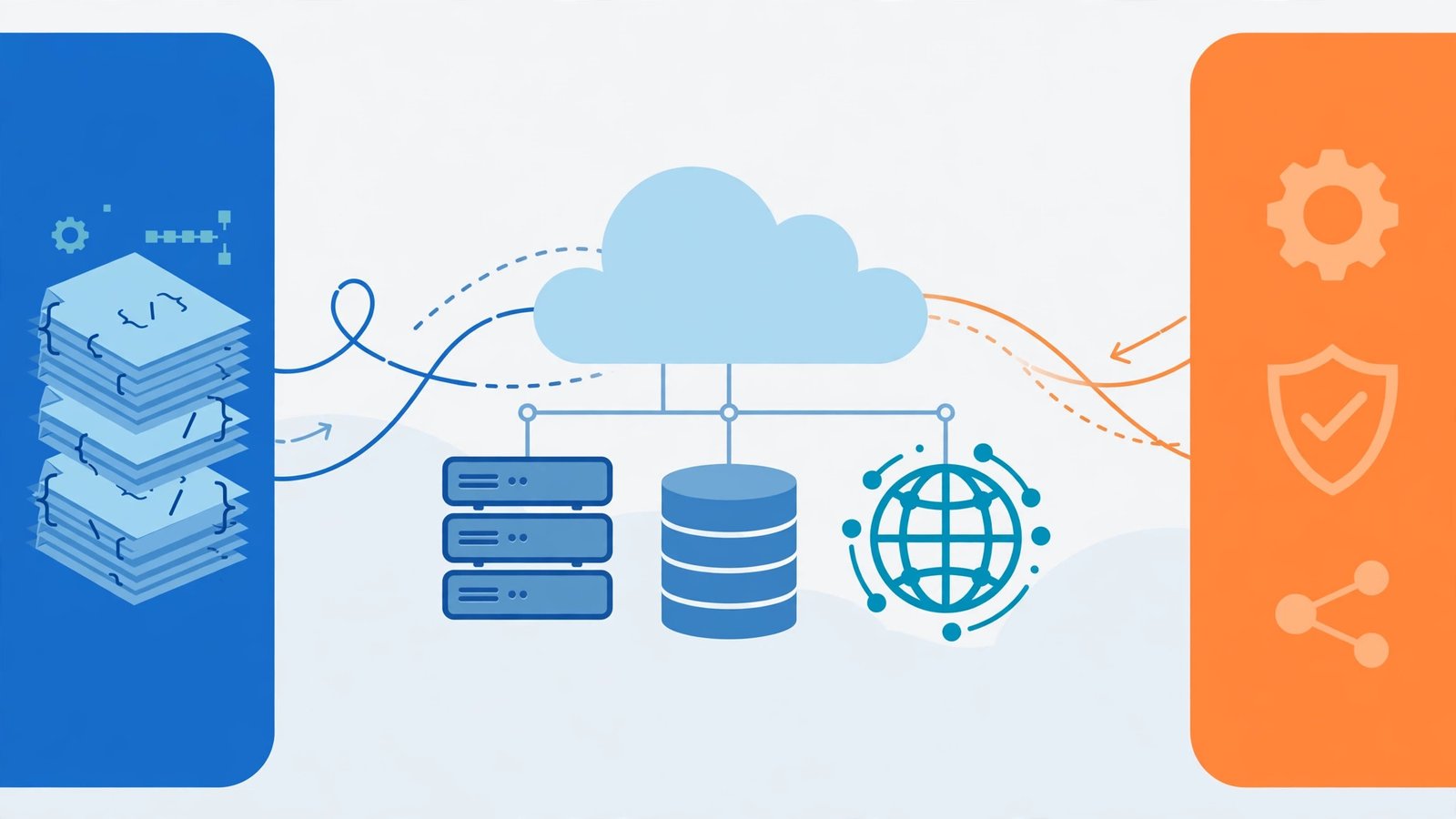
Terraform is made by HashiCorp and works on AWS, Azure, Google Cloud, and dozens of other providers, using HCL, a readable configuration language, with a state file recording what it manages. It is best for multi-cloud teams, career flexibility, and learning. CloudFormation is made by Amazon Web Services, works on AWS only, uses JSON or YAML templates, has state managed by AWS itself, and is best for AWS-only shops and deep AWS integration.
Terraform’s biggest advantage is portability. The concepts you learn — resources, variables, modules, state — transfer whether your next job uses AWS, Azure, or Google Cloud. CloudFormation’s biggest advantage is depth on AWS: because Amazon builds it, new AWS services usually get CloudFormation support first, and it plugs directly into AWS services like Service Catalog and StackSets.
Terraform vs CloudFormation at a Glance
| Feature | Terraform | CloudFormation |
|---|---|---|
| Language and syntax | HCL, a readable configuration language | JSON or YAML templates |
| Cloud support | AWS, Azure, Google Cloud, and dozens of other providers | AWS only |
| State management | A state file recording what it manages | State managed by AWS itself |
| Learning curve | A gentler learning curve, with HCL designed to be read by humans, and a plan step that shows what will change | YAML indentation errors frustrate beginners, and JSON templates get verbose fast |
| Ecosystem and modules | Resources, variables, modules and state transfer across providers, with reusable modules | Plugs directly into AWS services like Service Catalog and StackSets, and AWS-native governance |
| Best fit for a beginner | The better first tool for most beginners, because its mental model travels | The pragmatic first choice only in a strictly AWS-only team that standardizes on CloudFormation |
| When each one wins | Multi-cloud teams, career flexibility, and learning, when portability matters | An AWS-only world, with no separate state file, built-in rollbacks, and new AWS services supported first |
Which Should a Beginner Learn First?
For most beginners, Terraform is the better first tool, and it is not particularly close. The reason is simple: your first IaC tool teaches you the mental model, and Terraform’s mental model travels. Learn Terraform and you can walk into an AWS shop, an Azure shop, or a mixed environment and be useful. Learn CloudFormation first and your skill stops at the AWS border.
Terraform also has a gentler learning curve. Its language, HCL, was designed to be read by humans — a block describing a server looks like a labelled list of settings, not a wall of brackets. And its plan step is a superb teacher: before Terraform changes anything, it shows you exactly what it will create, change, or destroy.
There is one honest caveat. If you already know you will work in a strictly AWS-only team that standardises on CloudFormation, learning CloudFormation first is the pragmatic choice — you will match the team’s tooling from day one. But that is a job-specific exception, not the general rule. For a beginner building a portable skill, Terraform first is the right call.
When Does CloudFormation Win?
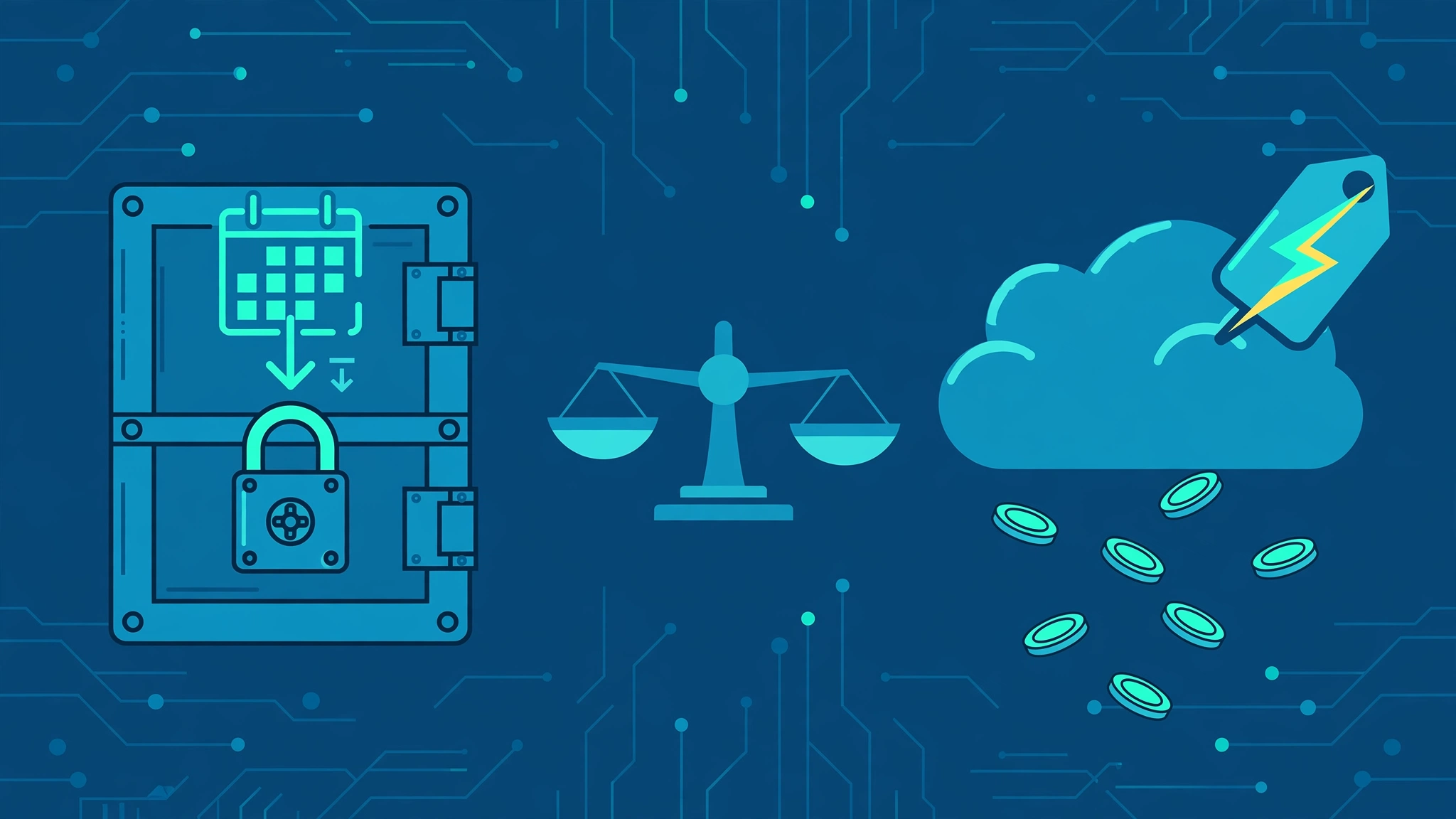
CloudFormation is not the weaker tool — it is the narrower one, and narrow can be an advantage. If your entire world is AWS, CloudFormation needs no separate state file to guard, no extra account setup, and no third-party tool to install. Rollbacks are built in: if a deployment fails halfway, CloudFormation can roll the stack back to its last good state automatically. It also integrates with AWS-native governance — Service Control Policies, Config rules, and CloudTrail all speak its language natively.
Some teams prefer CloudFormation templates in YAML or JSON, formats developers already know. That is fair, but YAML indentation errors frustrate beginners, and JSON templates get verbose fast. For a first tool, HCL’s readability still wins.
A Working Example: One Server, Two Ways
Here is the same idea in both tools: a small web server with a firewall rule allowing web traffic. In Terraform, it reads roughly like this: a resource block named aws_instance “web” with an AMI id, instance type t3.micro, and a Name tag “my-first-server”.
In CloudFormation (YAML), the equivalent is longer and more nested, with a Resources section, a Type field, and Properties indented beneath it. The outcome is identical — one server, same settings — but notice how much of Terraform’s version is just the thing itself, while CloudFormation’s version wraps it in template ceremony. That readability gap is exactly what beginners feel on day one.
Try this first exercise: write the Terraform version, run terraform plan, read every line of the output, then run terraform apply. Then destroy it with terraform destroy. That plan-apply-destroy loop, done once with your own hands, teaches more than a week of reading.
What Beginner Mistakes Should You Avoid?
First, never commit cloud credentials into your IaC files. Use environment variables or your cloud provider’s credential chain, and keep secrets in a proper secret manager. Second, never run apply without reading the plan — the plan is where you catch the line that says a database will be destroyed and recreated. Third, protect your state file: Terraform’s state is the map of everything it manages, so store it remotely with locking (for example, an S3 bucket with DynamoDB locking on AWS) rather than leaving it on your laptop. Fourth, start small: one server and one network beats a fifty-resource template you cannot debug. The goal of your first week is understanding the loop, not building production.
Your First-Week Learning Plan
Day one, install Terraform and run the plan-apply-destroy loop on a free-tier account. Days two and three, add a variable for server size and an output for its public address. Day four, split your configuration into a reusable module — even a tiny one. Day five, put the project in version control and make a change through a pull request. By week’s end you will have the loop in your hands — and that loop is the skill employers hire for.
Related reading: shared responsibility model for cloud security, how to prepare for a cloud security audit, step by step, and how to build a disaster recovery plan for cloud workloads
Frequently Asked Questions
Do I need to know programming to learn infrastructure as code?
No. Terraform’s HCL and CloudFormation’s YAML are configuration languages, not programming languages. Basic comfort with the command line and reading structured files is enough to start; you will pick up the rest as you go.
Is Terraform free to use?
Yes, Terraform’s open-source edition is free. You pay only for the cloud resources it creates, which is why the plan-apply-destroy exercise on a free-tier account costs little or nothing if you destroy resources when you finish.
Can I use Terraform and CloudFormation together?
Yes. Many AWS teams use Terraform for most infrastructure and CloudFormation for the few AWS services Terraform supports late, or wrap CloudFormation stacks inside Terraform. Learning one does not lock you out of the other.
Will learning Terraform help me get a cloud job?
Yes — it is one of the most commonly listed skills in cloud engineer and DevOps job postings, precisely because it works across providers. Pair it with one cloud certification and a small deployed project, and it becomes a strong, demonstrable portfolio piece.