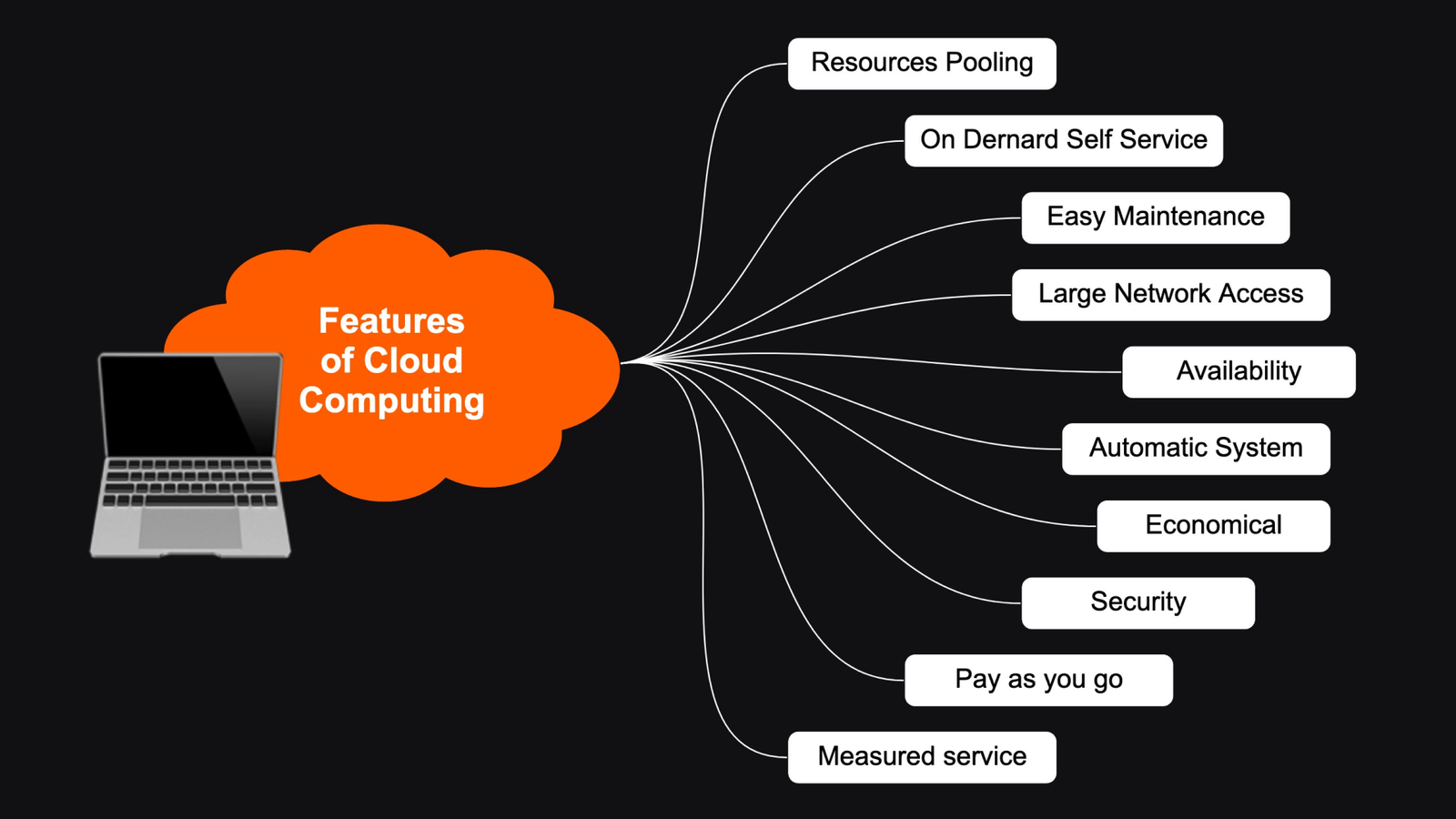
Cloud storage has become one of the most widely used cloud computing services, allowing individuals and businesses to store, access, and manage data over the internet. Instead of saving files only on a computer or external hard drive, cloud storage keeps data on secure remote servers managed by cloud service providers.
From personal photos and documents to large business databases, cloud storage offers a reliable, scalable, and cost-effective way to keep information safe while making it accessible from anywhere.
In this guide, you’ll learn what cloud storage is, how it works, its types, benefits, challenges, and common applications.
What Is Cloud Storage?
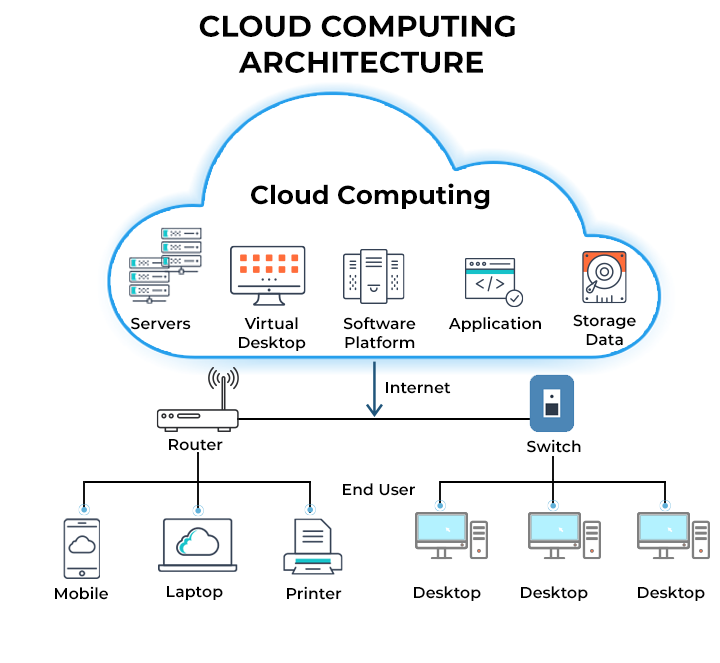
Cloud storage is a service that allows users to save digital files on remote servers connected to the internet. These servers are owned and maintained by cloud service providers, who handle hardware management, security, software updates, and data backups.
Instead of relying on local storage devices, users can upload files to the cloud and access them from computers, smartphones, tablets, or any internet-connected device.
Cloud storage is widely used for personal file storage, business data management, backups, collaboration, and disaster recovery.
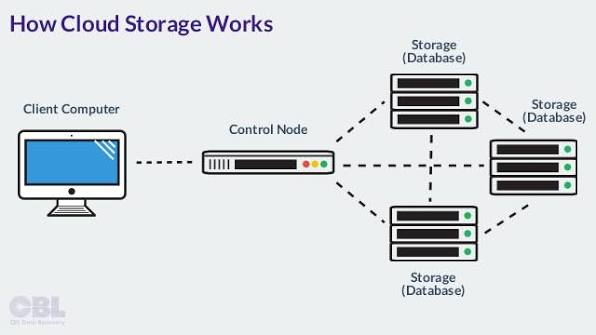
How Does Cloud Storage Work?
Cloud storage works through a simple process.
- A user uploads files through a web browser, mobile app, or desktop application.
- The files are securely transmitted over the internet.
- The cloud provider stores the data on remote servers located in secure data centers.
- Copies of the data are often stored across multiple servers to improve reliability.
- When needed, users can access, download, edit, or share their files from any supported device.
This process allows users to manage their data without worrying about maintaining physical storage hardware.
Types of Cloud Storage
Cloud storage is available in several forms to meet different needs.
Public Cloud Storage
Public cloud storage is provided by third-party companies that offer shared infrastructure for multiple customers. It is affordable, scalable, and easy to use, making it ideal for individuals and small businesses.
Private Cloud Storage
Private cloud storage is dedicated to a single organization. It offers greater control, enhanced security, and customized storage solutions for businesses handling sensitive information.
Hybrid Cloud Storage
Hybrid cloud storage combines public and private cloud storage. Organizations keep confidential data in private storage while using public cloud resources for backups or less sensitive files.
Benefits of Cloud Storage
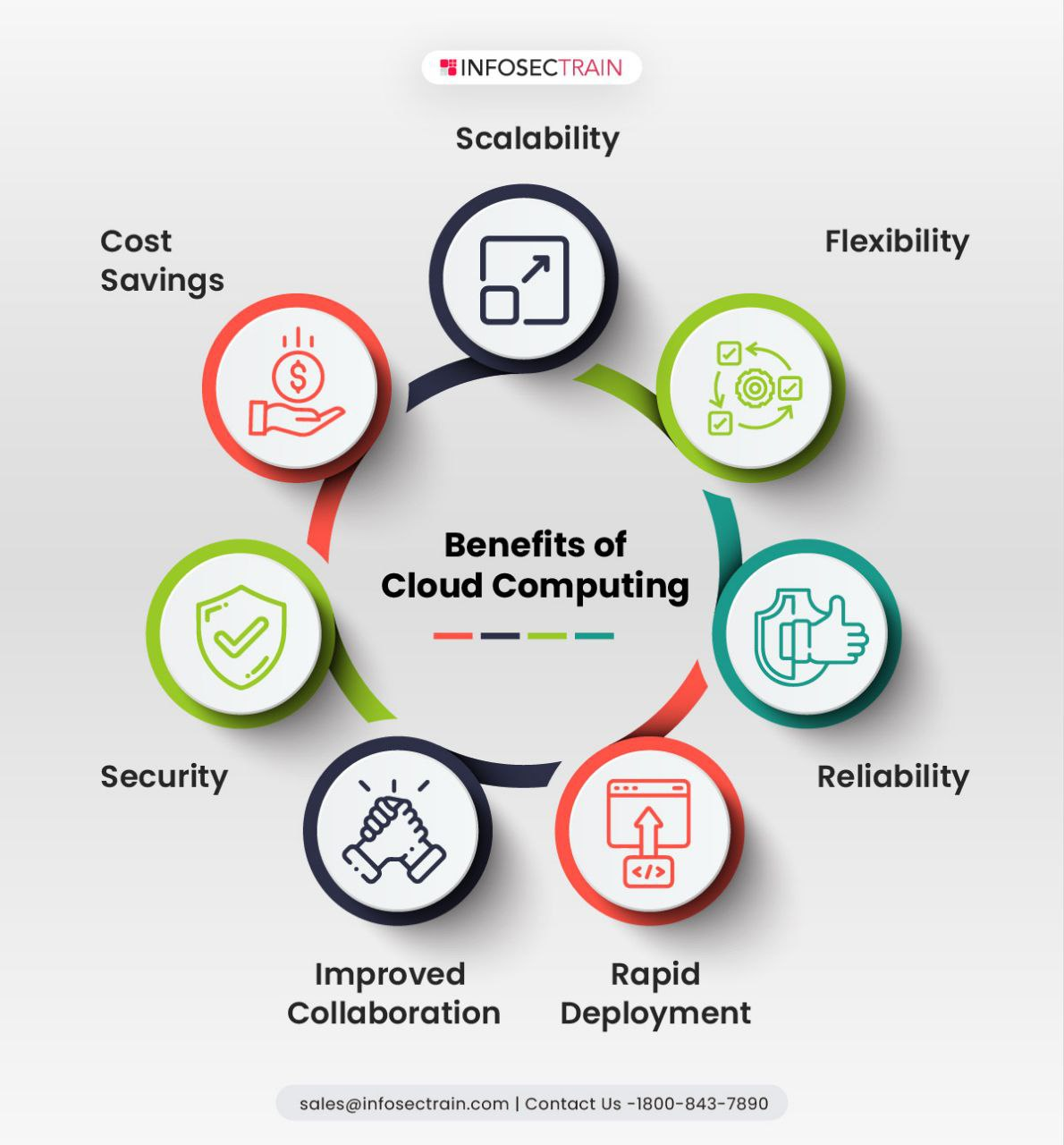
Cloud storage offers numerous advantages for both personal and business users.
Access from Anywhere
Files stored in the cloud can be accessed from any device with an internet connection, making remote work and collaboration much easier.
Automatic Backup
Many cloud storage services automatically back up files, reducing the risk of data loss caused by hardware failure, accidental deletion, or cyberattacks.
Scalability
Users can increase or decrease their storage capacity as their needs change without purchasing additional hardware.
Cost Savings
Cloud storage eliminates the need for expensive storage devices and reduces maintenance costs by using a subscription or pay-as-you-go pricing model.
Easy File Sharing
Users can quickly share files and folders with colleagues, friends, or clients through secure links and access permissions.
Improved Security
Cloud providers use advanced security measures such as encryption, multi-factor authentication, firewalls, and continuous monitoring to help protect stored data.
Common Applications of Cloud Storage
Cloud storage supports a wide variety of personal and business activities.
Personal File Storage
Individuals use cloud storage to save photos, videos, music, and important documents while keeping them accessible across multiple devices.
Business Data Management
Organizations store customer records, financial information, project files, and operational data in cloud storage for secure access and collaboration.
Data Backup and Recovery
Businesses use cloud storage to create backup copies of important information, allowing quick recovery after hardware failures or cyber incidents.
Team Collaboration
Cloud storage enables multiple users to work on shared documents, improving communication and productivity across remote and hybrid teams.
Website and Application Hosting
Cloud storage is used to store website files, application data, media content, and databases that support online services.
Challenges of Cloud Storage
Although cloud storage offers many benefits, it also has some limitations.
- A stable internet connection is required for online access.
- Ongoing subscription costs may increase as storage needs grow.
- Data privacy and compliance regulations must be considered.
- Service outages can temporarily affect file accessibility.
- Users must implement strong passwords and security practices to protect their accounts.
Choosing a trusted cloud provider and maintaining regular backups can help reduce these risks.
Best Practices for Using Cloud Storage
To get the most value from cloud storage, consider these best practices:
- Use strong, unique passwords for your cloud accounts.
- Enable multi-factor authentication for additional security.
- Organize files into clearly labeled folders.
- Regularly review and remove unnecessary files.
- Encrypt highly sensitive data before uploading it.
- Monitor storage usage to manage costs effectively.
- Maintain local backups of critical business information.
Following these practices helps improve security, efficiency, and long-term data management.
The Future of Cloud Storage
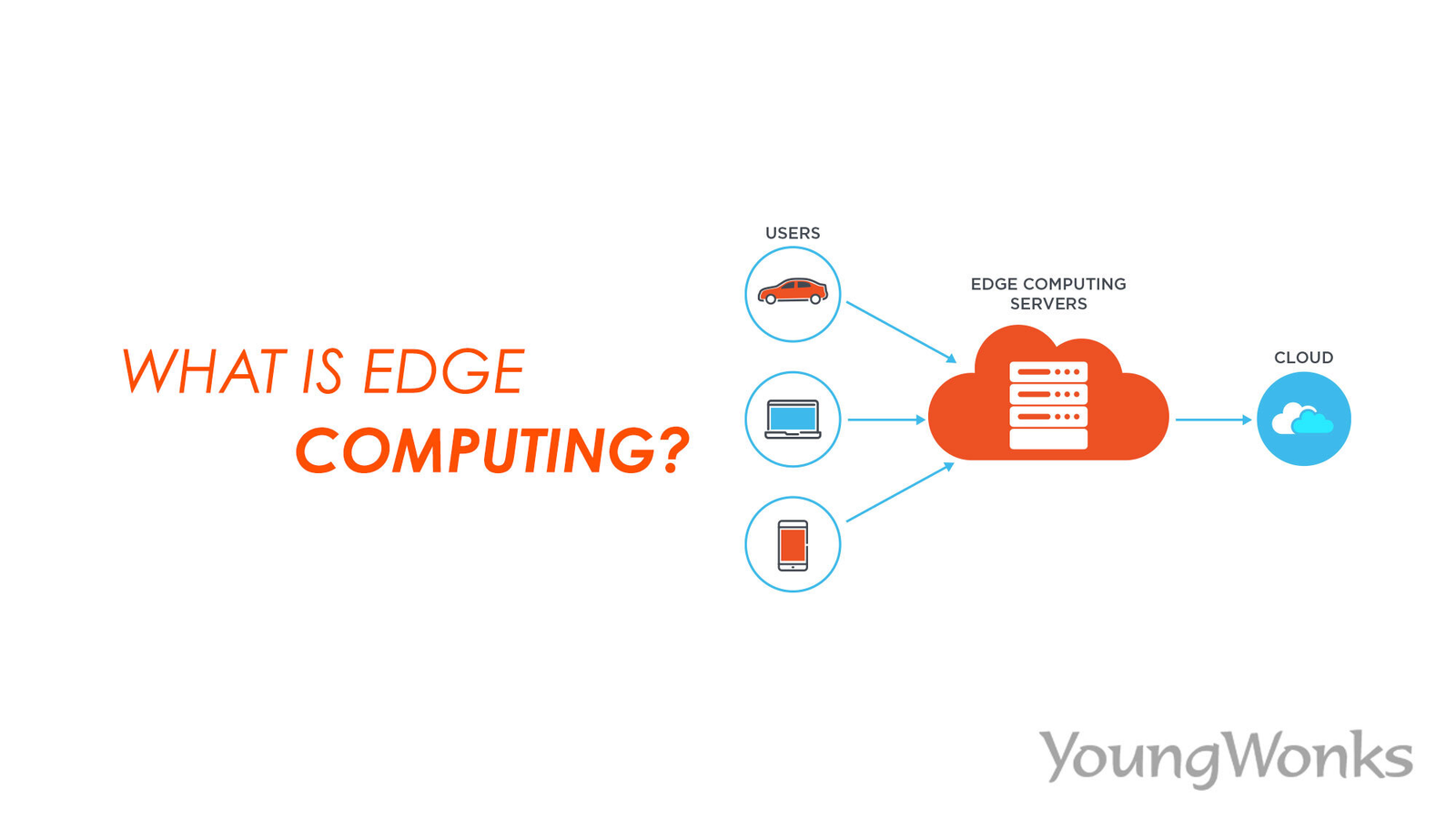
Cloud storage continues to evolve with advances in artificial intelligence, automation, and edge computing. Future cloud storage solutions are expected to provide faster performance, stronger security, smarter data management, and improved integration with emerging technologies.
As businesses continue their digital transformation, cloud storage will remain a vital part of modern IT infrastructure, supporting remote work, collaboration, and secure data management.
Conclusion
Cloud storage is a reliable and flexible solution for storing, managing, and accessing digital information over the internet. It offers numerous benefits, including remote accessibility, automatic backups, scalability, cost savings, and improved collaboration. Although there are challenges such as internet dependency and security concerns, following best practices and choosing a reputable cloud provider can help users protect their data while enjoying the full advantages of cloud storage. As technology advances, cloud storage will continue to play a central role in the digital world.